
KNOWLEDGE
CENTER
Manuals by serial number, alarm and error code lookups, troubleshooting guides, maintenance schedules, and operator training videos for every Anderson America CNC machine. Searchable, free, and open around the clock.
WHAT'S INSIDE
One searchable library built from Anderson America's own service and engineering documentation, organized by machine and by problem.
Machine Manuals
Operator and maintenance manuals indexed by machine serial number for Stratos, Exxact, Axxiom, Selexx, Andimaxx, Maxxis, Mass 5, PTP, and Genesis / Evo lines.
Alarm & Error Codes
Look up any control alarm by number or message, with the cause and the fix. Available in English, Spanish, Portuguese, French, and Chinese.
Troubleshooting Guides
Step-by-step procedures for common issues such as tool changer faults, vacuum pressure alarms, stuck tools, sensor alarms, and zero-return errors.
Maintenance Schedules
Daily, weekly, and periodic maintenance checklists, including 3-axis and 5-axis schedules, alignment tests, and spindle health guidance.
Advanced Documentation
Wiring diagrams, electrical schematics, and technical drawings for service technicians and in-house maintenance teams.
Operator Training Videos
Video walkthroughs covering machine operation, tool changes, programming basics, and installation information for new machines.
AI Technical Assistant
Ask a question in plain language and get an instant answer drawn from Anderson America's full technical library, day or night.
Service & Parts Requests
File a service or parts request directly from the Knowledge Center and track it through the Anderson America support portal.
HOW TO GET ANSWERS
Search or Scan
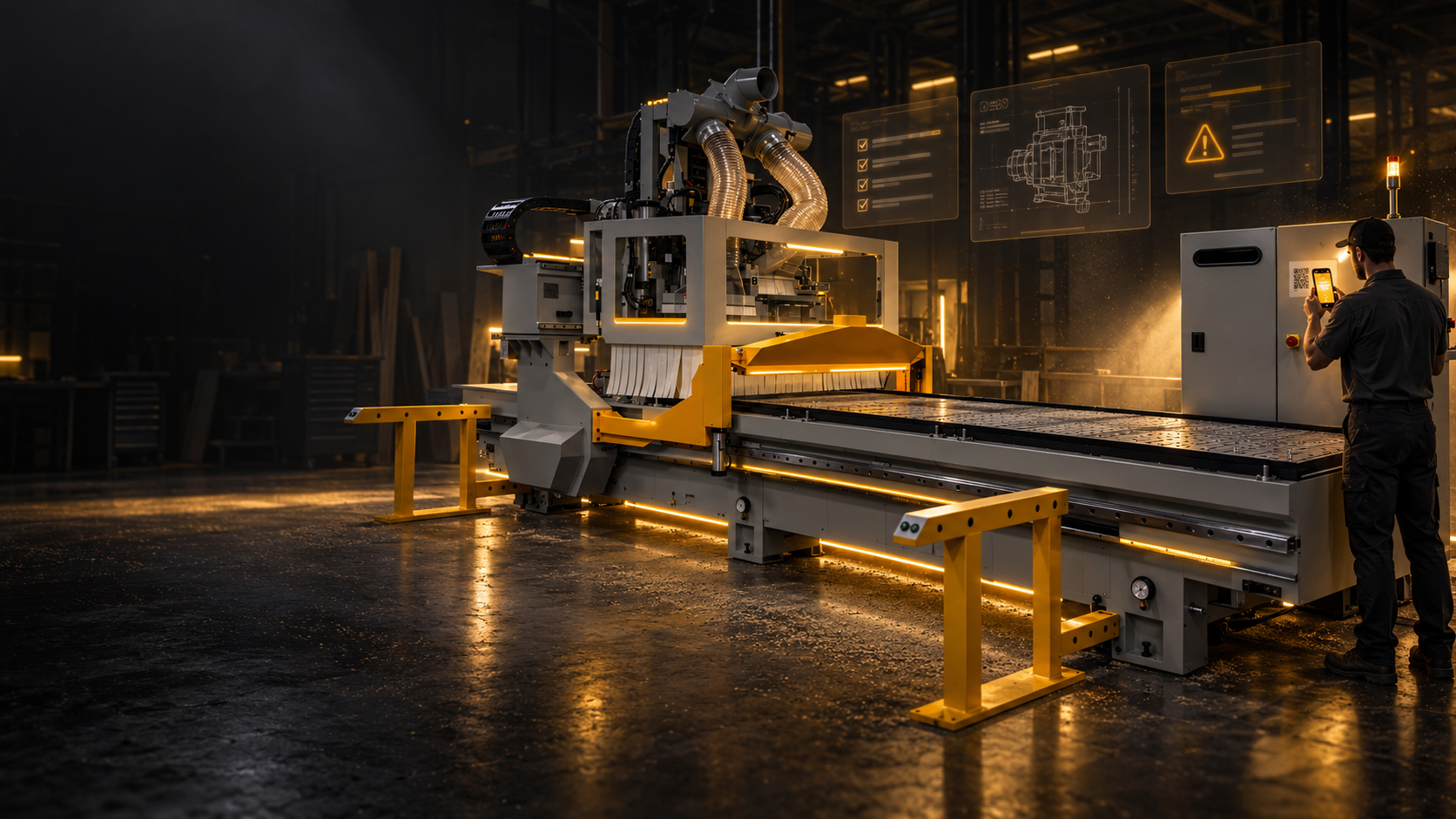
Type an alarm number, machine model, or plain-language question into the Knowledge Center search. On the shop floor, scan the QR code on your machine to jump straight to its library.
QR Code Support qr_code_2Follow the Guide
Every guide is broken into short, numbered steps with photos and diagrams so any operator can work through it without waiting on a callback.
Browse Guides menu_bookEscalate if Needed
Still stuck? File a service or parts request, start a remote support session, or call our technical team. Your machine history and the steps you already tried come with you.
Remote Support support_agentSUPPORT QUICK LINKS
SUPPORT ON
YOUR PHONE
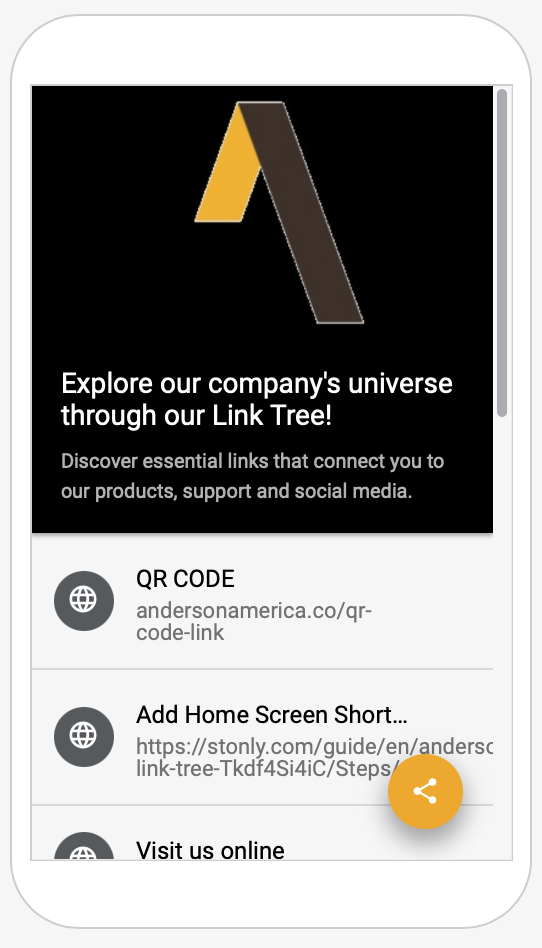
Add the Anderson America Link Tree to your home screen and every support resource is one tap away from the shop floor. No app store, no login.
- check_circle Home screen shortcut to the Knowledge Center
- check_circle File a service or parts request
- check_circle Operator training videos
- check_circle Remote support and contact info
KNOWLEDGE CENTER FAQ
The Knowledge Center is Anderson America's free, online self-service support library for its CNC machines. It contains machine manuals indexed by serial number, alarm and error code lookups, troubleshooting guides, maintenance schedules, wiring documentation, operator training videos, and an AI technical assistant. It is available 24/7 at andersonamerica.stonly.com.
Open the Knowledge Center and type the alarm number or the message shown on the control (for example "Vacuum Pressure Alarm" or "Tool Number Incorrect") into the search bar. Each alarm guide explains what triggered it and walks through the fix step by step. Alarm guides are available in English, Spanish, Portuguese, French, and Chinese.
Manuals are organized by machine serial number and model, so search for your serial number or model name (such as Stratos Pro, Exxact Plus Duo, Axxiom, or Selexx). The fastest route on the shop floor is to scan the QR code on your machine, which opens that machine's dedicated documentation library.
Yes, the Knowledge Center is free for Anderson America machine owners and operators, and no login is required to search guides, manuals, and alarm codes. Filing and tracking a service or parts request uses the Anderson America support portal, which has its own sign-in.
Use the "File a Service/Parts Request" link at the top of the Knowledge Center, or go directly to the Anderson America support portal. Include your machine serial number and the alarm or symptom you are seeing so our team can respond quickly. For urgent issues during business hours, call 704-522-1823.
Use the "Request a Guide" option inside the Knowledge Center and our team will write one, or contact support directly. You can also start a remote support session so a technician can connect to your machine control, or request an on-site field technician through the support portal.
Yes. The Knowledge Center is mobile-friendly, and every Anderson machine ships with a QR code that opens its library directly. You can also add the Anderson America Link Tree to your phone's home screen for one-tap access to the Knowledge Center, service requests, training videos, and remote support. Follow the Add Bookmark guide to set it up.
GET BACK TO
PRODUCTION
Search the Knowledge Center for an instant answer, or reach our 24-hour technical team when you need hands-on help.